Affiliate Ambassador List
Overview
The Affiliate Ambassador List screen is where administrators manage all ambassadors participating in the Affiliate program, including:
- Approving Affiliate registration requests
- Viewing detailed ambassador information
- Assigning appropriate commission groups
- Tracking performance (orders, revenue, profit)
This feature is divided into 2 main tabs:
- Pending Approval Requests
- All Members
Tab: Pending Approval Requests
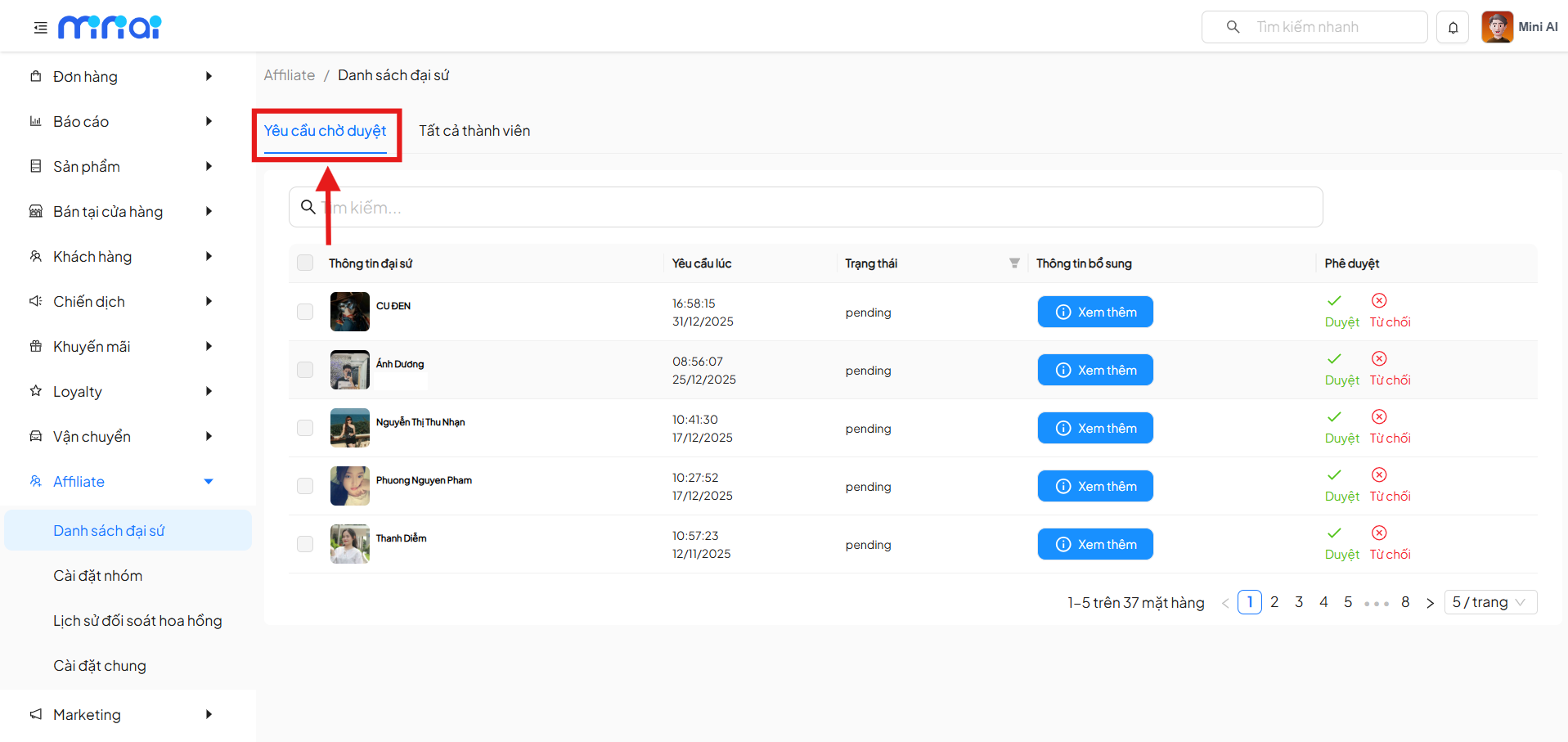
The Pending Approval Requests tab displays the list of ambassadors who have submitted Affiliate registration requests but have not yet been approved.
Displayed Information
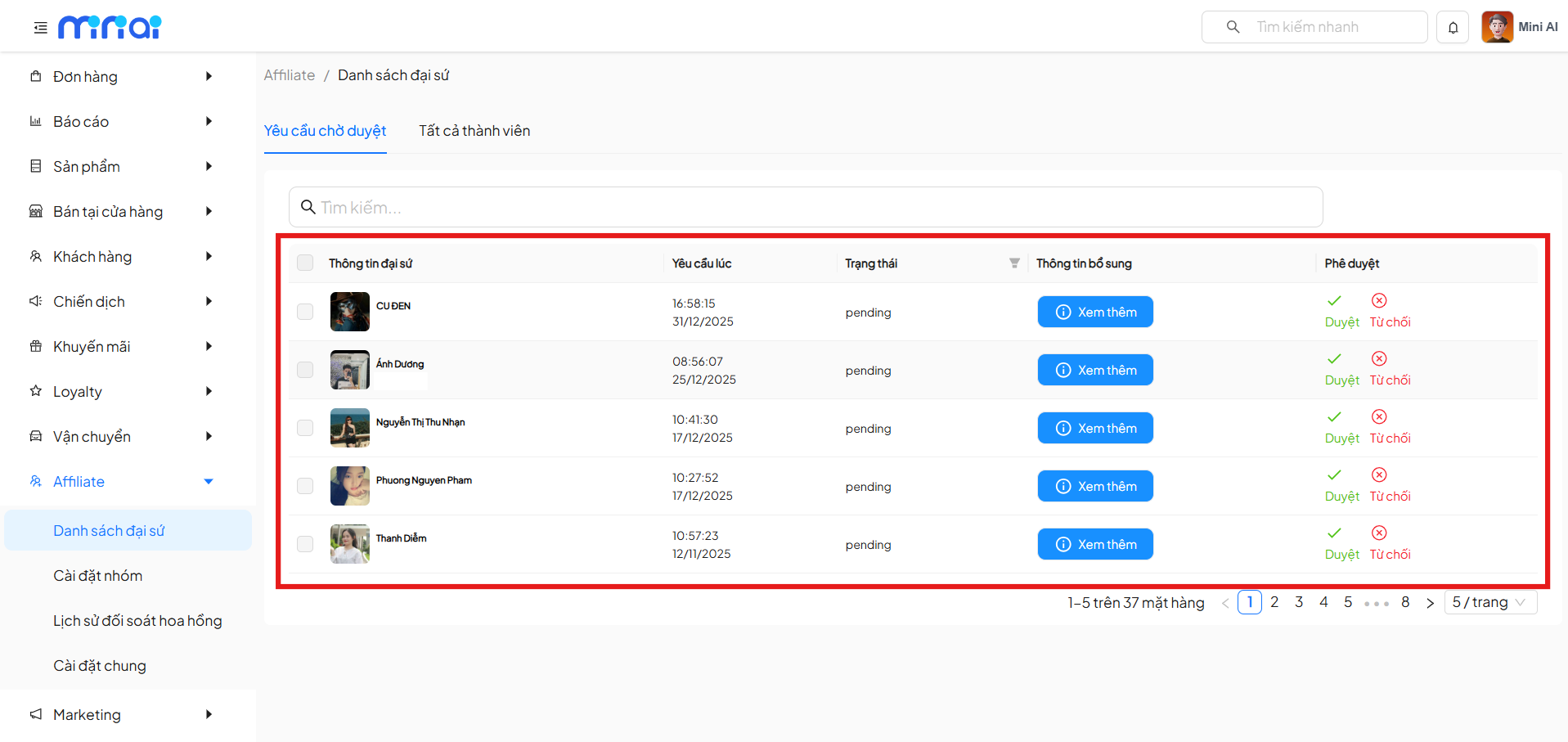
Each request row includes the following information:
- Ambassador Info: profile picture and ambassador name
- Requested At: time the ambassador submitted the request
- Status: default is
pending - Additional Info: View More button
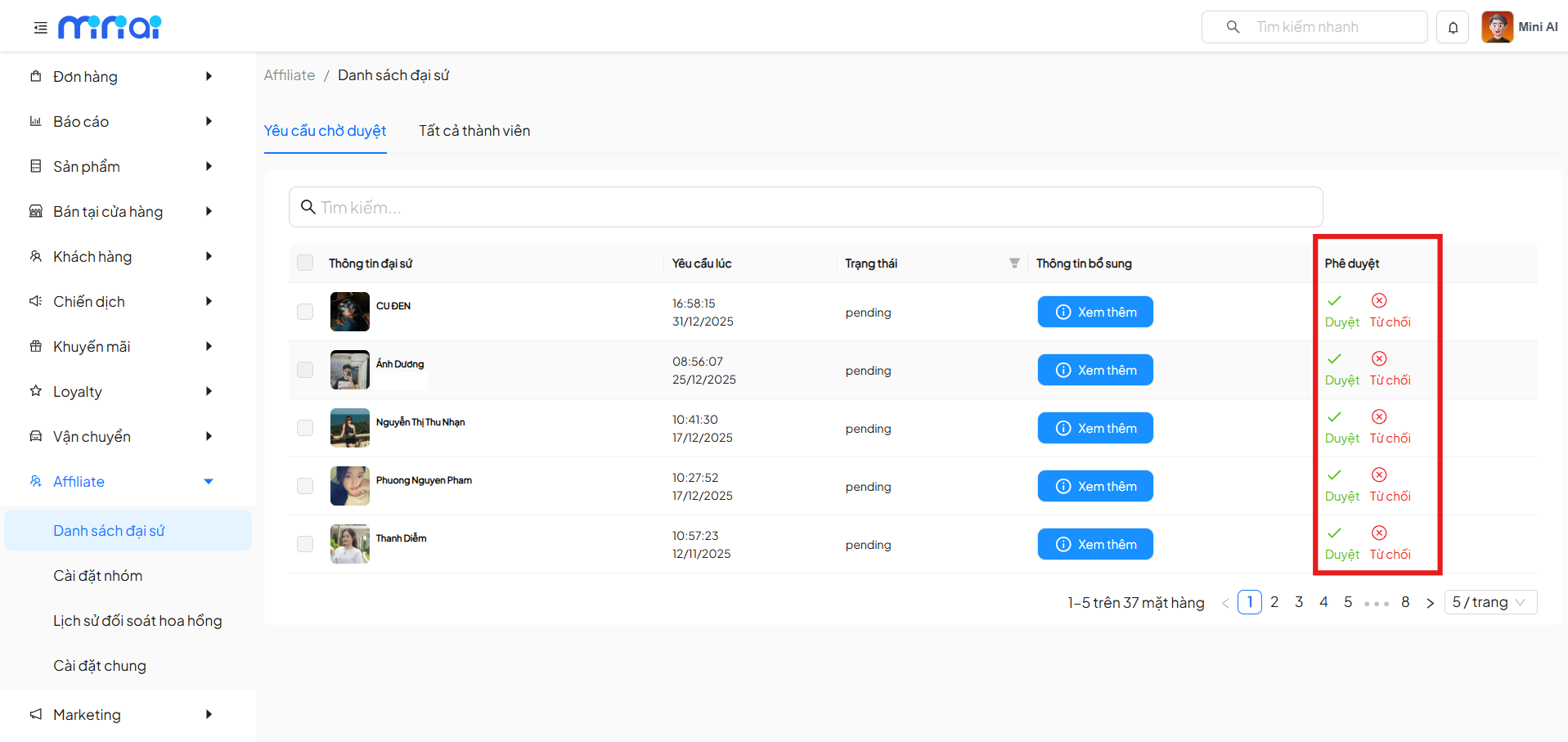
- Approval:
- Approve
- Reject
Viewing Affiliate Request Information
Click View More to open the Affiliate Request Information popup.
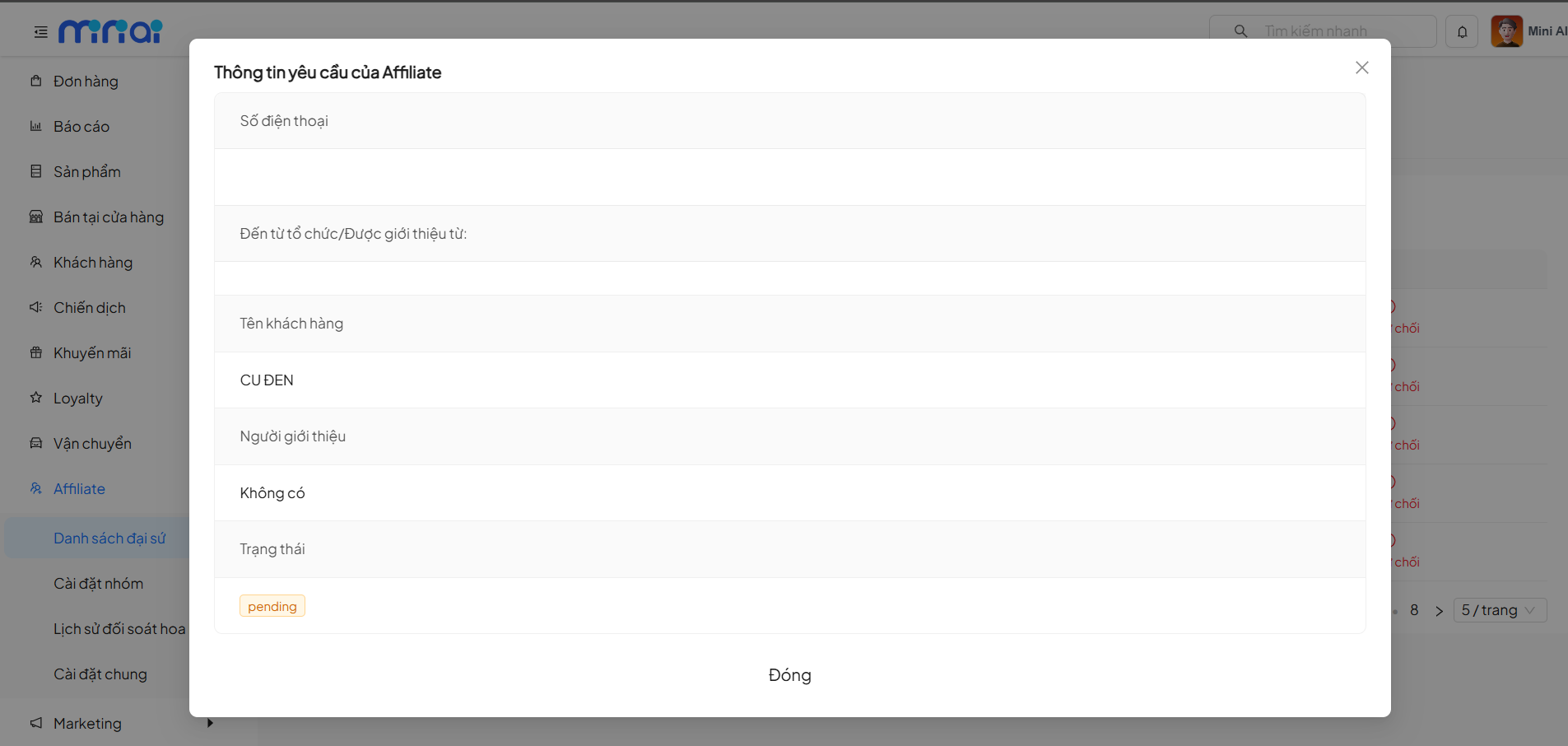
The popup displays the following information:
- Phone number
- Organization / Referred by
- Customer name
- Referrer
- Request status (pending)
This information helps administrators evaluate and verify before approval.
Approve Affiliate and Select Commission Group
Click Approve to open the Approve Affiliate and Select Commission Group popup.
Here, administrators need to:
- Select a commission group for the Affiliate from the list of previously configured groups.
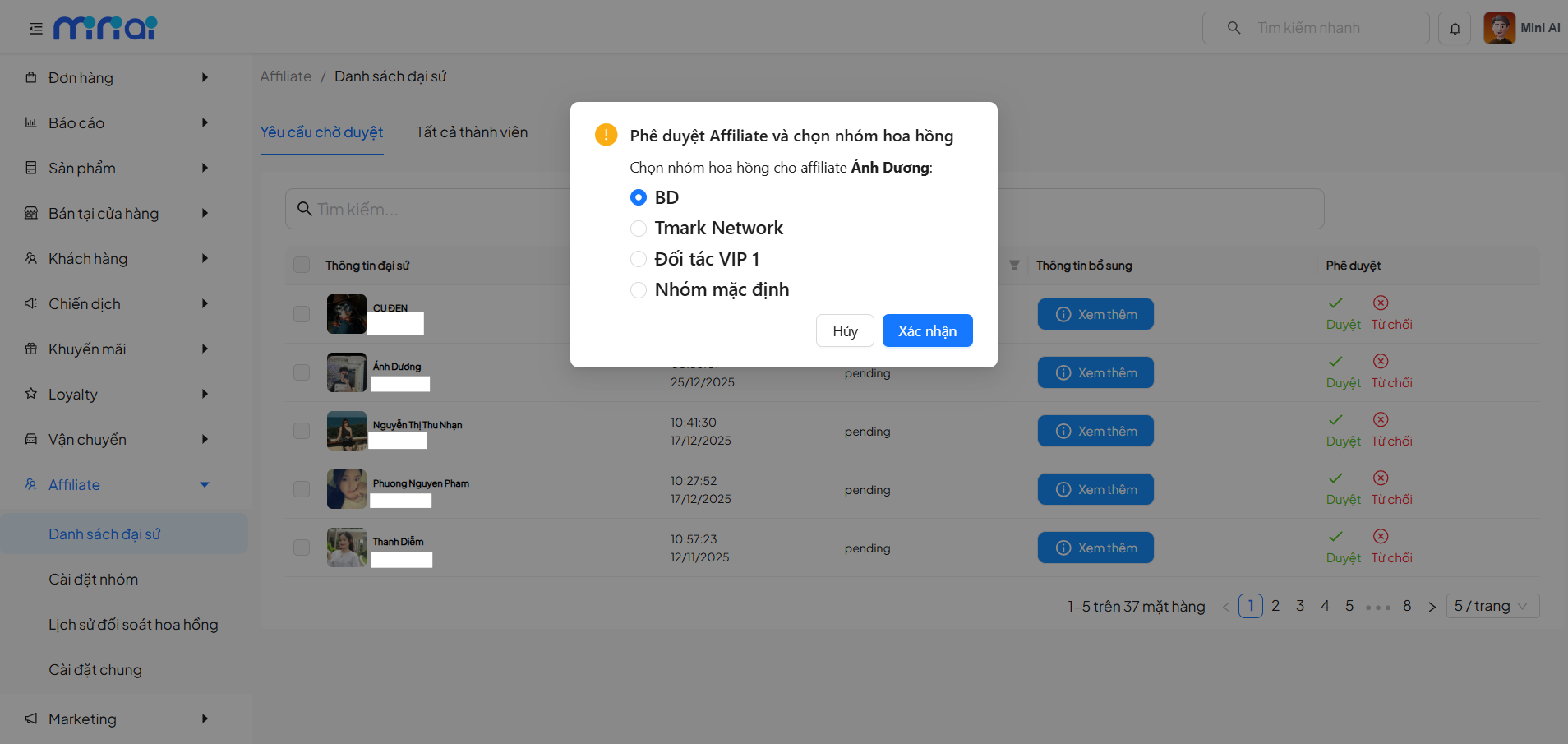
- Click Confirm to complete the approval
If no commission group is selected, the system will not allow approval.
After approval:
- The Affiliate is moved to the All Members tab
- Commission recording begins based on the selected group
Rejecting an Affiliate Request
Click Reject if the registration request is not accepted.
- The request will be recorded with Rejected status
- The Affiliate will not be activated in the system
Tab: All Members
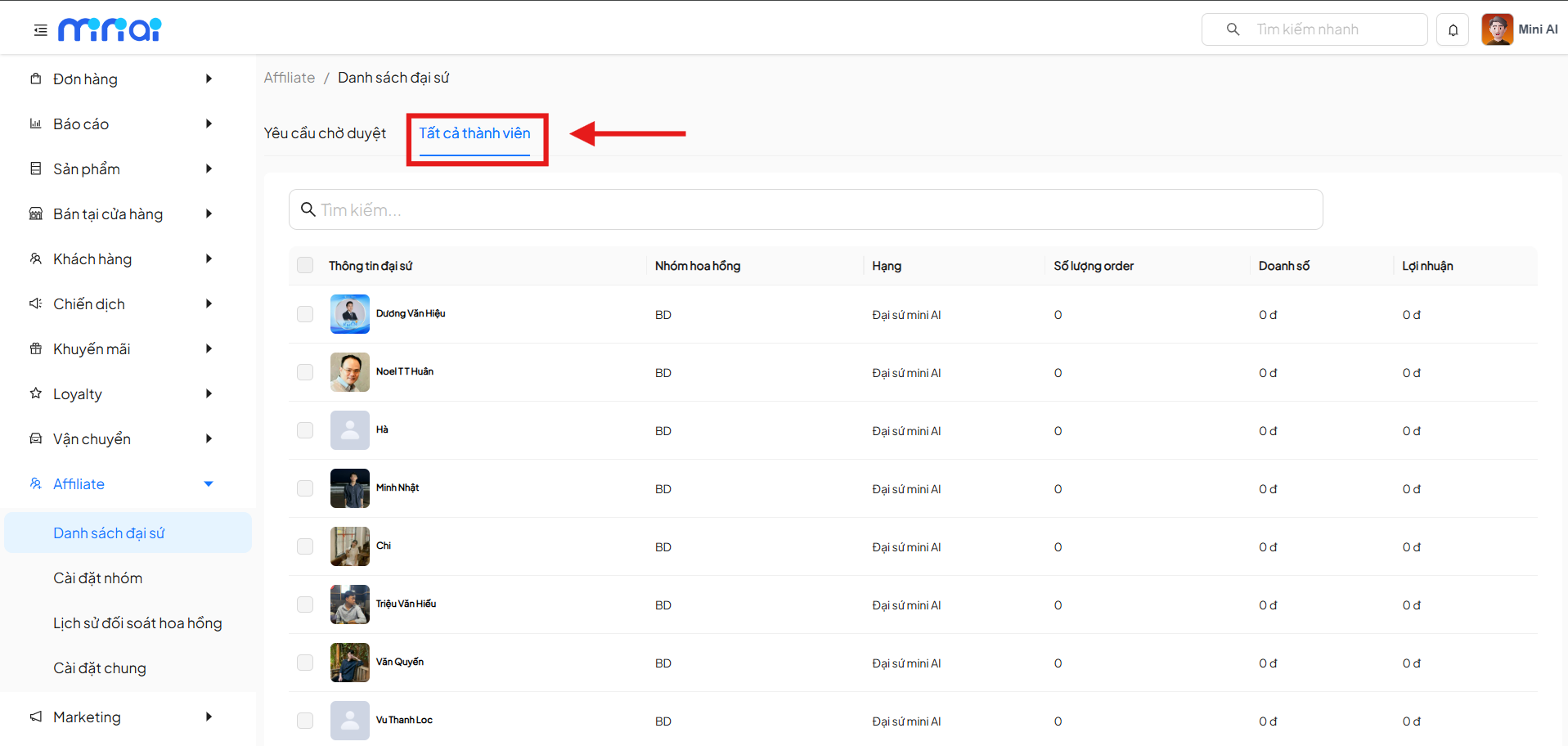
The All Members tab displays all approved and active Affiliates in the system.
Displayed Information
The list includes the following columns:
- Ambassador Info: profile picture, Affiliate name
- Commission Group: currently applied Affiliate group
- Rank: current tier of the ambassador
- Order Count: total number of generated orders
- Revenue: total revenue from the Affiliate
- Profit: commission received by the Affiliate
Searching for Affiliates
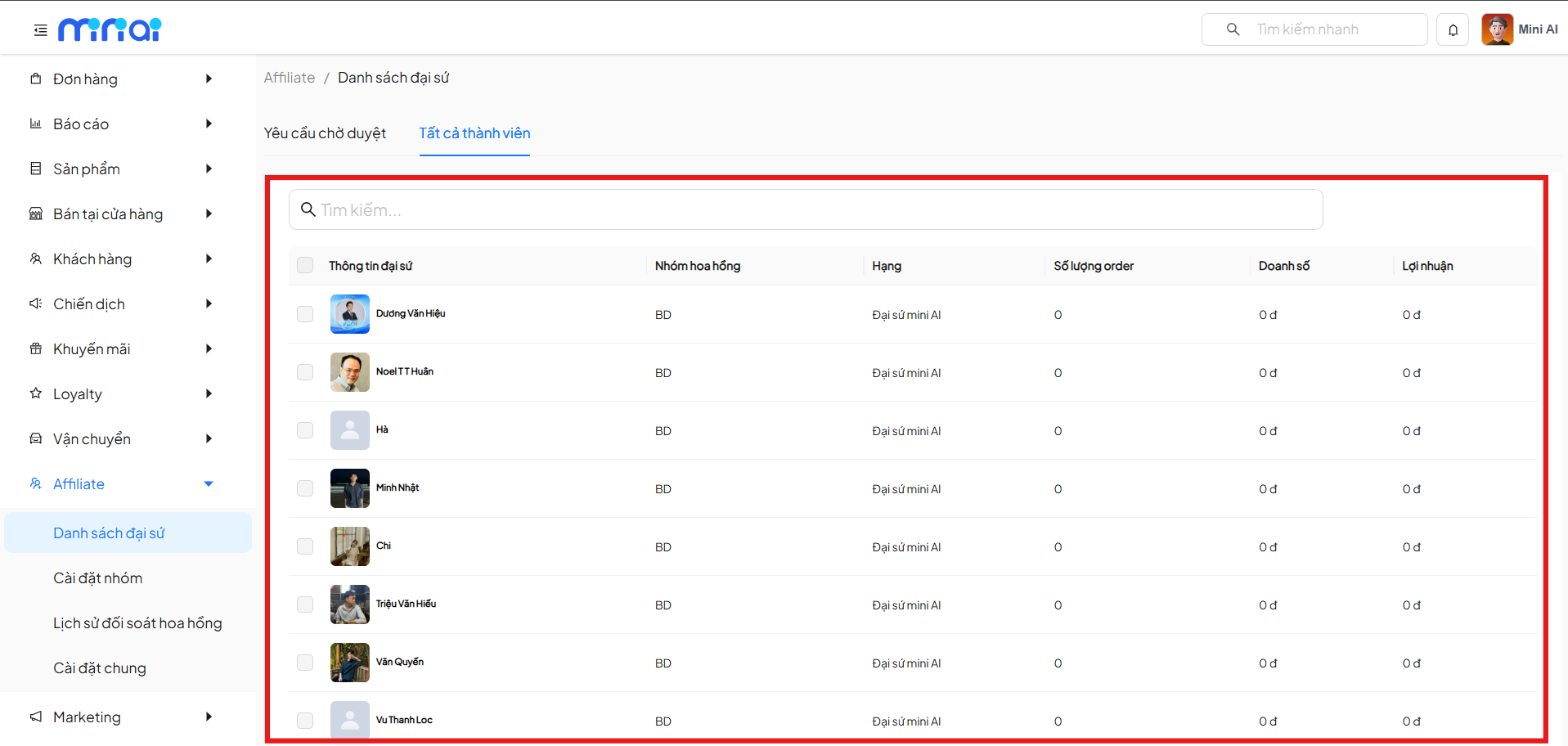
Administrators can use the search box to quickly look up Affiliates by:
- Ambassador name
- Related information (based on system configuration)
Summary
The Affiliate Ambassador List feature helps businesses:
- Tightly control Affiliate onboarding
- Classify ambassadors by appropriate commission groups
- Track performance transparently
- Optimize operations and manage large-scale Affiliate programs
It is recommended that administrators carefully check ambassador information before approval to ensure the quality of the Affiliate network.