Affiliate Marketing Report
Affiliate Marketing Report Overview
Affiliate Marketing Report is a screen that helps administrators track and evaluate the performance of Affiliate / Brand Ambassador activities in the system.
The report provides:
- Total revenue generated from affiliate marketing groups
- Total costs paid to brand ambassadors
- Data analysis by specific time periods
Accessing the Affiliate Marketing Report
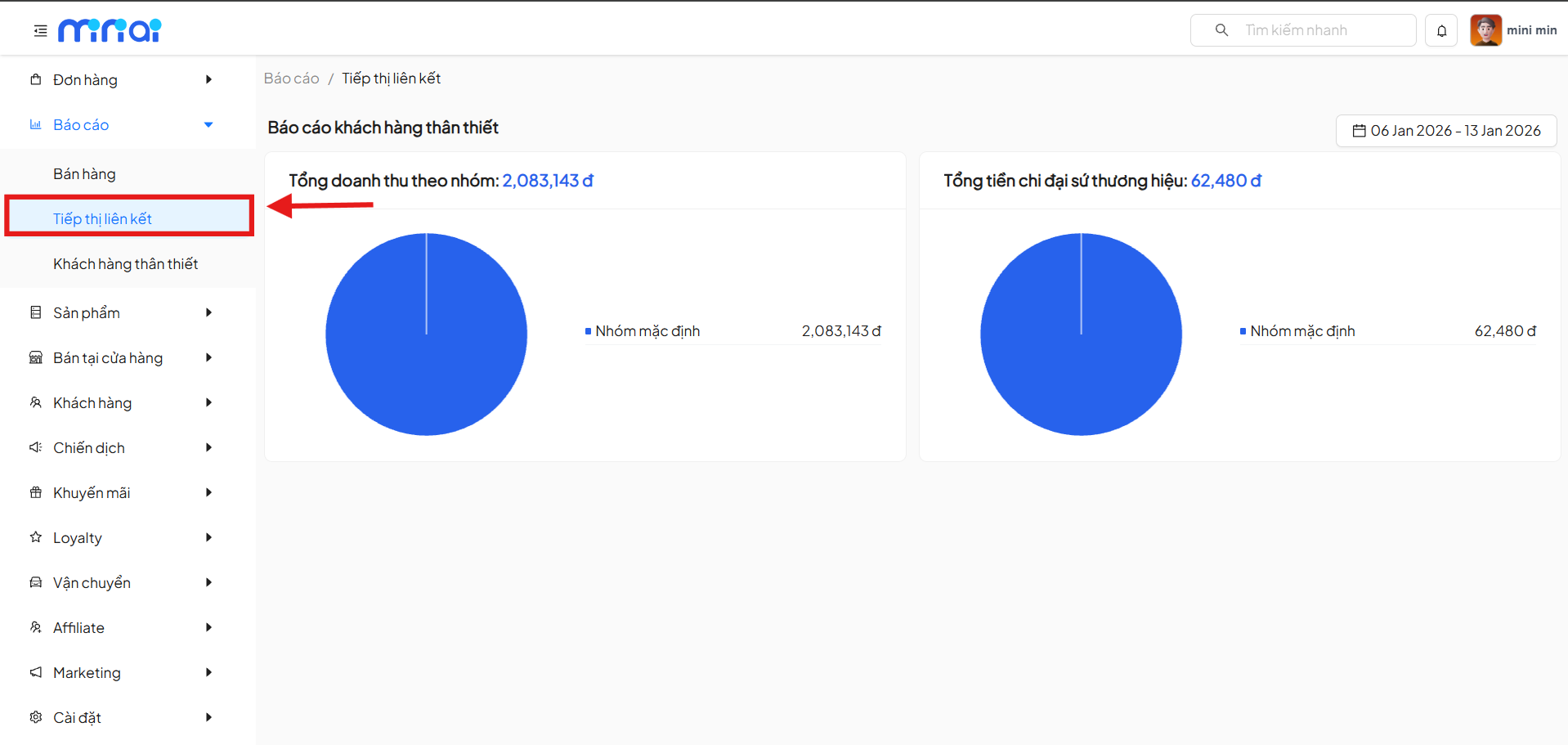
To access the Affiliate Marketing Report feature, follow these steps:
- From the left menu, select Reports
- Click on Affiliate Marketing
- The system displays the Reports / Affiliate Marketing screen
Time Filter
In the upper right corner of the screen, the system provides a time filter for users to select the report viewing period.
How to Use the Filter
- Click on the date picker
- Select the desired time range
- Report data will automatically update according to the selected time
Using the time filter helps compare affiliate marketing activity performance between different periods.
Total Revenue by Group
The Total Revenue by Group section displays revenue generated from affiliate marketing groups.
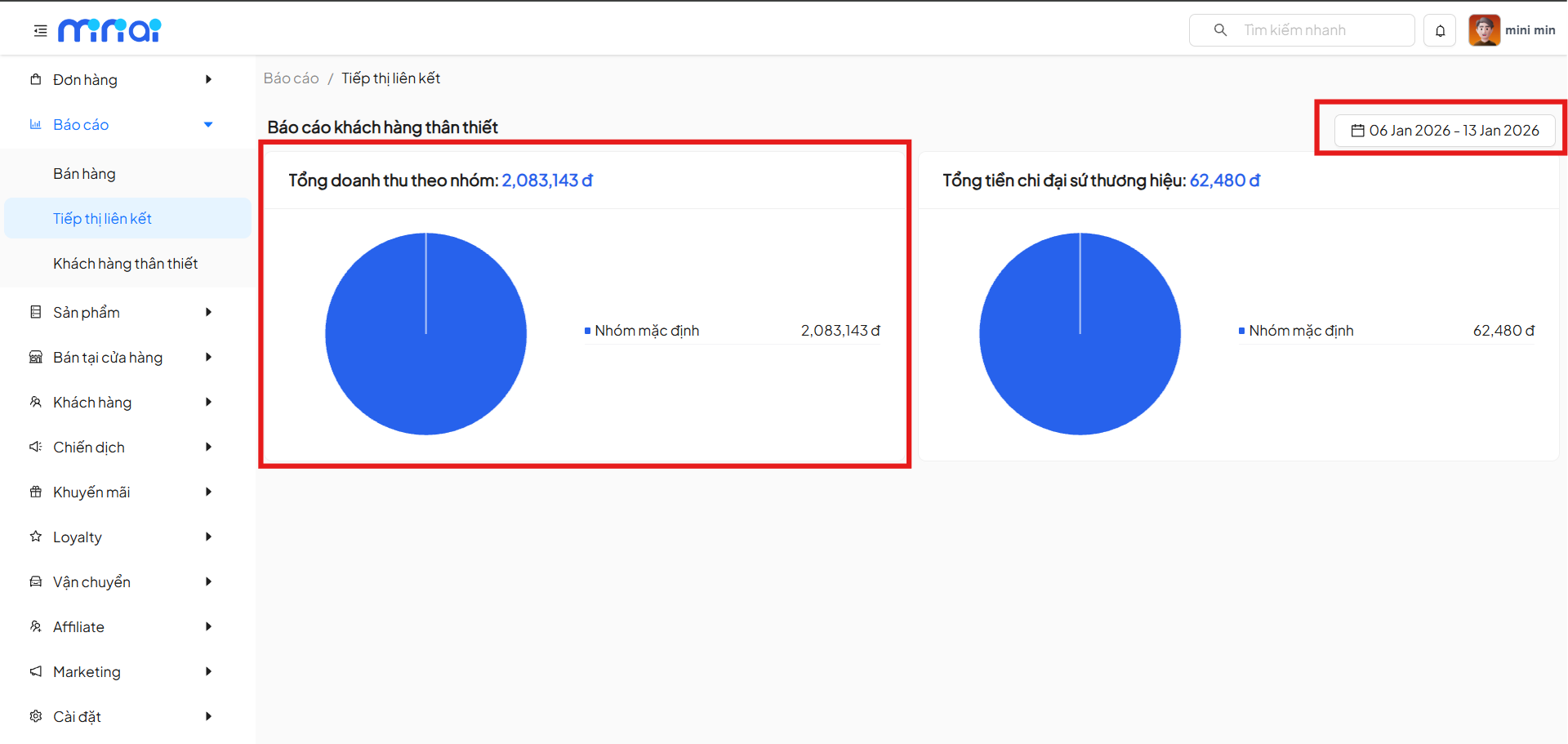
Displayed Content
- Total revenue by group (VND)
- Pie chart showing the revenue proportion of each group
- Group list with corresponding revenue values
Data Significance
- Helps identify high-revenue affiliate marketing groups
- Evaluates the contribution level of each Affiliate group
- Supports decision making to optimize resource allocation strategies
Total Brand Ambassador Spending
The Total Brand Ambassador Spending section shows the total costs the system has paid to brand ambassadors within the selected time period.
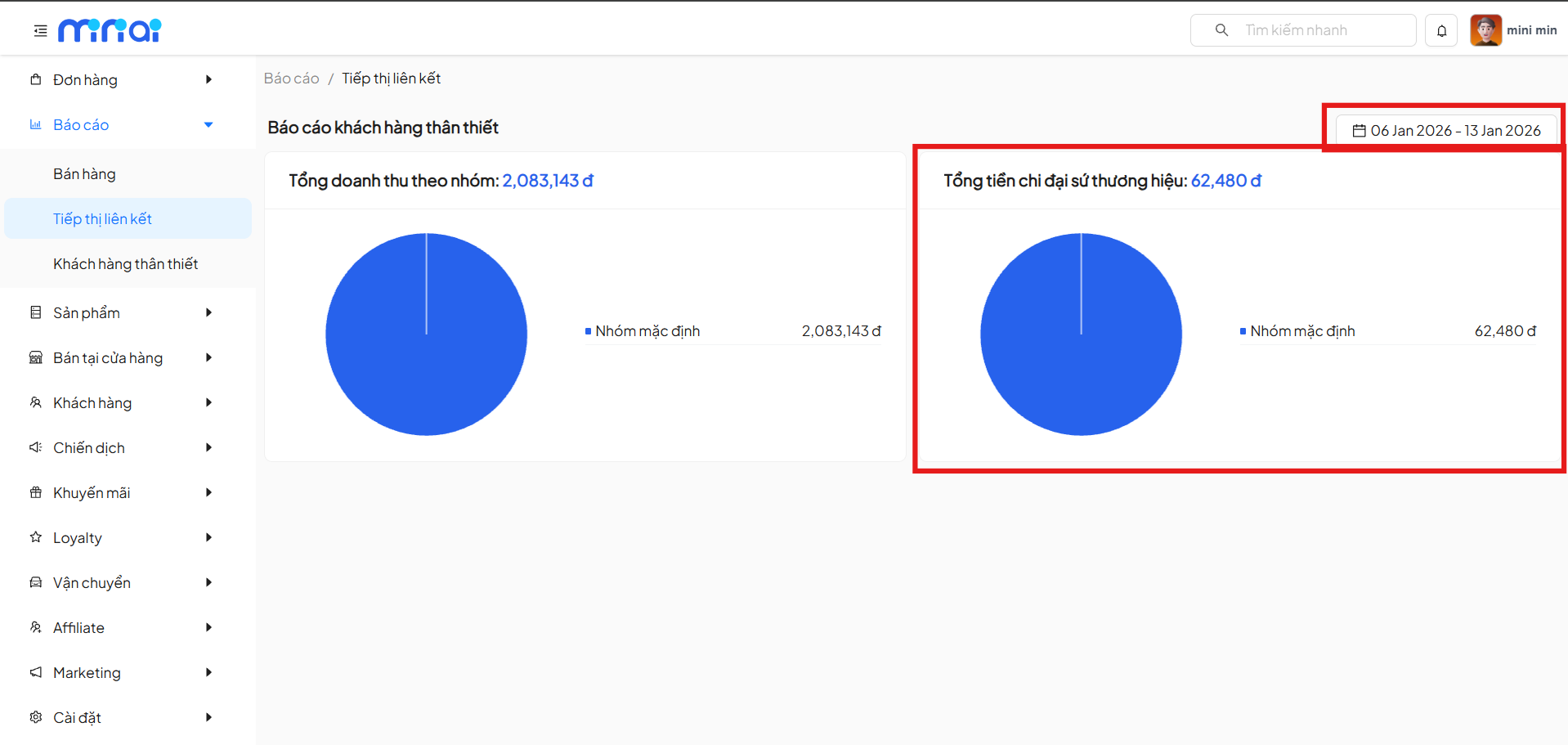
Displayed Content
- Total brand ambassador spending (VND)
- Pie chart showing cost proportion by group
- Group list with payment amounts
Data Significance
- Track operating costs of the Affiliate program
- Compare revenue and costs to evaluate effectiveness
- Control affiliate marketing budget
Affiliate Performance Analysis & Evaluation
Through two main metrics:
- Revenue by group
- Costs paid to brand ambassadors
Administrators can:
- Evaluate the profitability of each Affiliate group
- Identify high-performing or underperforming groups
- Adjust commission policies and marketing campaigns
Benefits of Using the Affiliate Marketing Report
- Transparent tracking of Affiliate revenue and costs
- Accurate evaluation of brand ambassador effectiveness
- Optimize affiliate marketing strategies
- Support data-driven business decisions
Usage Notes
- Report data only includes orders generated within the selected time period
- Revenue and costs are aggregated by Affiliate group
- Regular report monitoring is recommended for timely strategy adjustments
Conclusion
Affiliate Marketing Report is an important tool for businesses to manage and optimize Affiliate Marketing activities. Regular report monitoring will help control costs, increase revenue, and improve marketing effectiveness.